AI Agent Frameworks Compared: Build vs Buy for LLM Applications
Technical comparison of leading AI agent frameworks for LLM applications, with setup guides and configuration patterns.
TL;DR
- OpenClaw offers built-in UI and Telegram integration with minimal configuration
- LangChain provides maximum flexibility but requires extensive boilerplate
- CrewAI excels at multi-agent collaboration patterns
- Semantic Kernel integrates natively with Microsoft ecosystem
- All frameworks require careful token management and gateway security
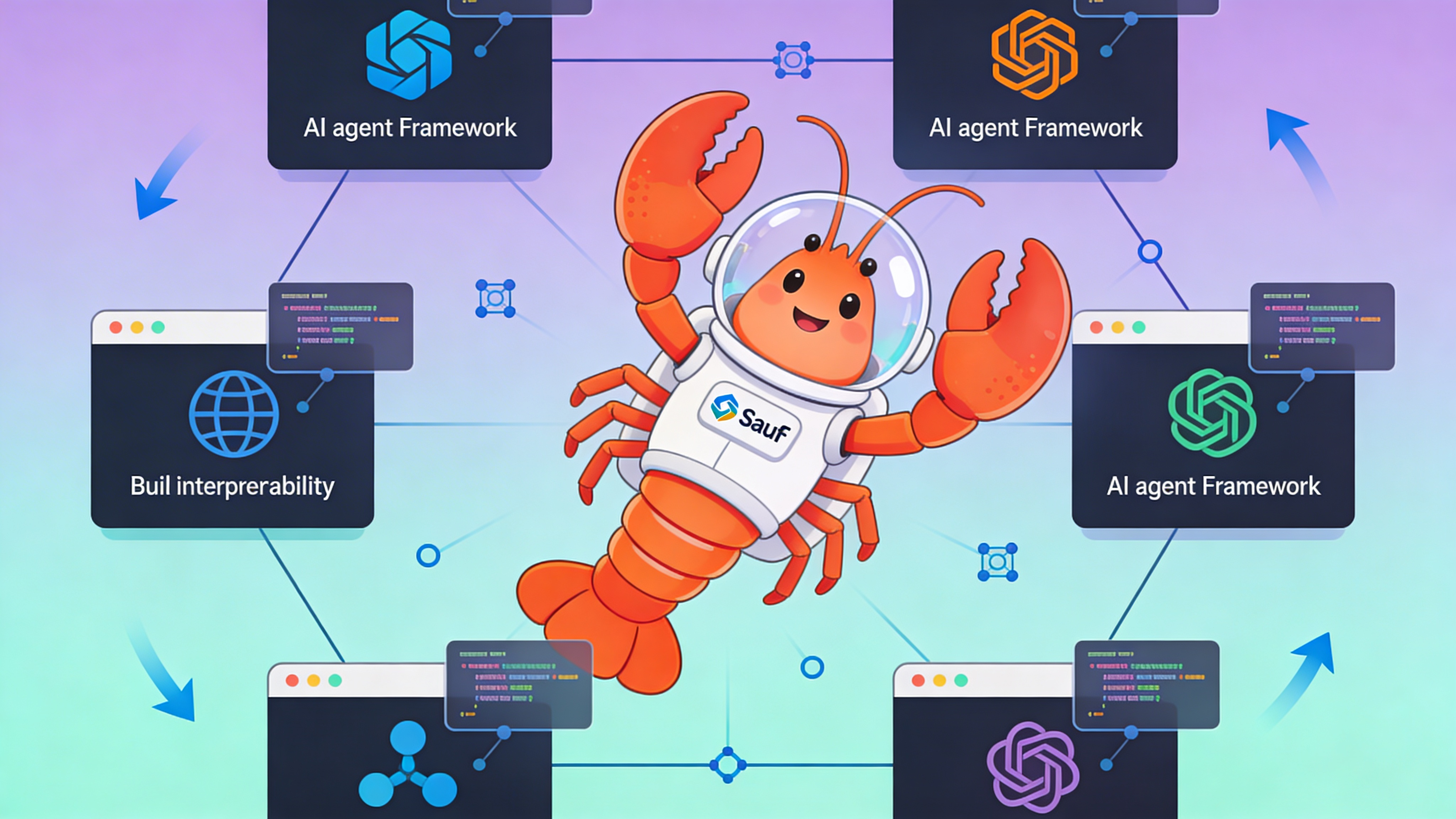
Framework Overview
Selecting the right AI agent framework determines your development velocity, deployment complexity, and maintenance overhead.
| Framework | Agent Model | Memory | Tool Use | Deployment | Best For |
|---|---|---|---|---|---|
| OpenClaw | Single + Multi | Built-in SQLite | HTTP Functions | Container | Rapid prototyping & Telegram bots |
| LangChain | Custom | Multiple backends | LangChain Tools | Any Python env | Maximum flexibility & control |
| CrewAI | Multi-agent | Shared context | Custom tools | Python/Container | Collaborative task workflows |
| AutoGen | Multi-agent | Conversation | Code execution | Python/Container | Research & code generation |
| Semantic Kernel | Planner + Skills | Volatile | Native plugins | Azure/.NET | Microsoft enterprise stack |
| LlamaIndex | Query agents | Vector stores | Tool abstractions | Python/Container | RAG-heavy applications |
Key Differentiators
OpenClaw includes a production-ready Control UI out of the box.
LangChain provides the richest ecosystem but steepest learning curve.
Setup Comparison
Initialize a minimal agent in each framework:
# OpenClaw (Docker)
docker run -p 18789:18789 -e TELEGRAM_TOKEN="your-token" openclaw/clawdbot:latest

# LangChain (Python)
pip install langchain langchain-openai
python -m langchain_cli create my-agent

# CrewAI (Python)
pip install crewai
crewai create-crew my-project

# AutoGen (Python)
pip install pyautogen

# Semantic Kernel (.NET)
dotnet add package Microsoft.SemanticKernel
Configuration Patterns
Agent behavior is defined through configuration files.
# OpenClaw agent.yaml - minimal production config
agent:
  name: "support-bot"
  model: "gpt-4-turbo-preview"
  gateway_token: "${OPENCLAW_GATEWAY_TOKEN}"

channels:
  telegram:
    enabled: true
    token: "${TELEGRAM_TOKEN}"

memory:
  type: "sqlite"
  path: "/data/conversations.db"

tools:
  - name: "knowledge_base"
    type: "rag"
    config:
      vector_store: "chroma"
      collection: "support_docs"

  - name: "create_ticket"
    type: "webhook"
    config:
      endpoint: "https://api.example.com/tickets"
      method: "POST"
      headers:
        Authorization: "Bearer ${TICKET_API_KEY}"
Memory & State Management
| Framework | Default Store | Persistent | Shared Access | Migration Path |
|---|---|---|---|---|
| OpenClaw | SQLite | Yes | No | Backup SQLite file |
| LangChain | In-memory | No | Yes | Implement Redis/PostgreSQL |
| CrewAI | In-memory | No | Yes | Custom storage adapter |
| AutoGen | In-memory | No | Yes | Serialize conversation history |
| Semantic Kernel | Volatile | No | No | Azure Cosmos DB connector |
| LlamaIndex | File-based | Yes | No | Export index bundles |
Tool Integration Patterns
Adding custom tools varies significantly across frameworks.
# LangChain custom tool example
from langchain.tools import BaseTool

class DatabaseQueryTool(BaseTool):
    name = "query_customer_db"
    description = "Query customer records by email"

    def _run(self, email: str):
        # Implementation here
        return results

# OpenClaw HTTP tool definition (in agent.yaml)
tools:
  - name: "get_weather"
    type: "http"
    config:
      endpoint: "https://api.openweathermap.org/data/2.5/weather"
      method: "GET"
      params:
        q: "{location}"
        appid: "${WEATHER_API_KEY}"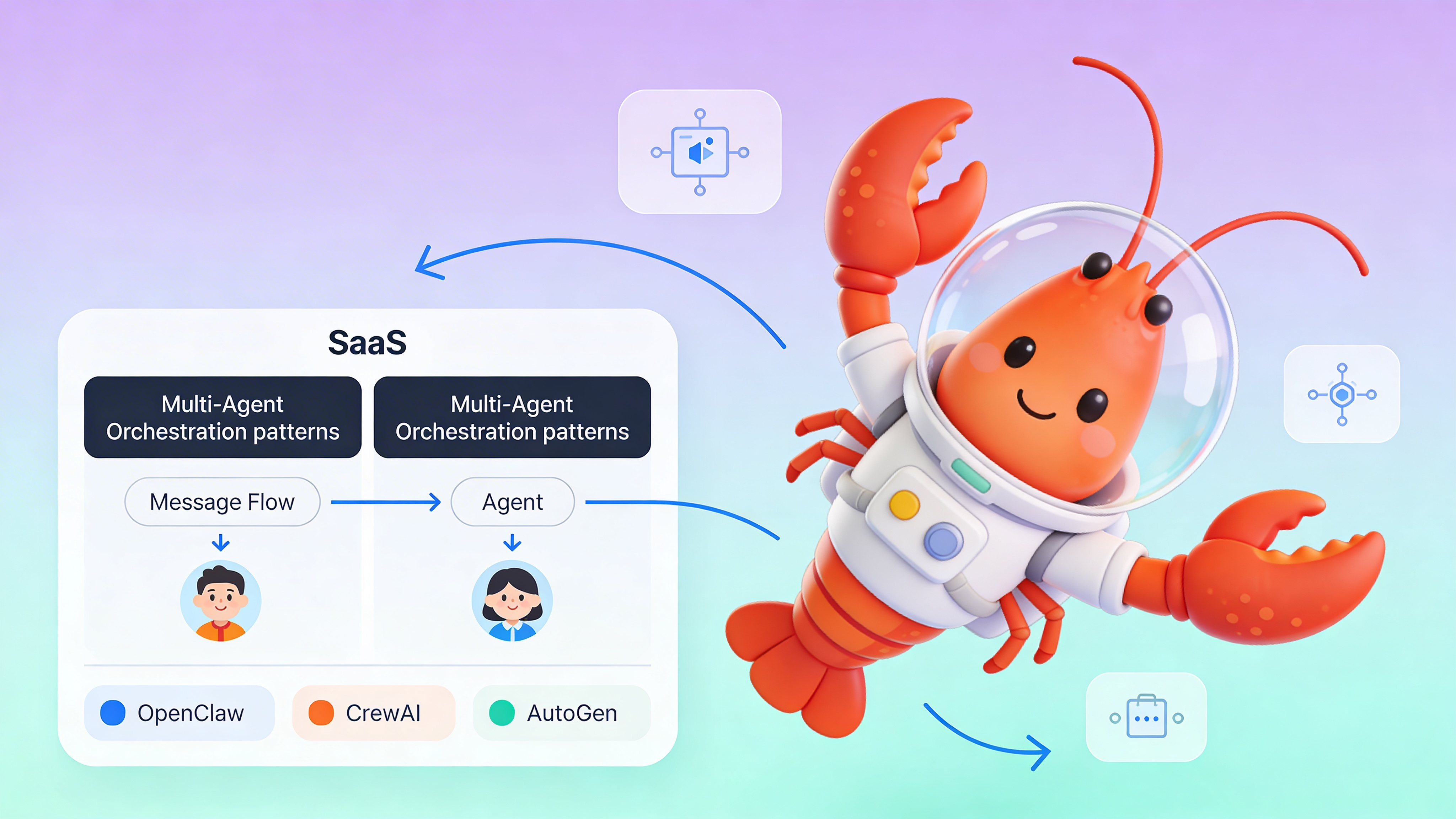
Production Deployment
Containerization is the common denominator for production workloads.
| Aspect | OpenClaw | LangChain | CrewAI | Semantic Kernel |
|---|---|---|---|---|
| Image Size | 420MB | 180MB + deps | 200MB + deps | 250MB + .NET runtime |
| Port | 18789 | Custom | Custom | 8080 |
| Health Endpoint | /health | Manual | Manual | /health |
| Scaling | Vertical | Horizontal | Horizontal | Azure scaling |
| Managed Option | easyclawd.com | None | None | Azure Container Apps |
Security Considerations
⚠️ Warning: Never commit gateway tokens or API keys to version control. OpenClaw’s OPENCLAW_GATEWAY_TOKEN provides admin access to your agent’s Control UI. Exposing port 18789 without authentication allows unauthenticated users to modify agent behavior and retrieve conversation history. Always use environment variables or secret management systems like AWS Secrets Manager or Azure Key Vault.
Performance Benchmarks
| Metric | OpenClaw | LangChain | CrewAI | AutoGen |
|---|---|---|---|---|
| Cold Start | 2.1s | 1.8s | 1.9s | 2.3s |
| Message Latency | 850ms | 920ms | 1100ms | 1400ms |
| Memory Overhead | 45MB | 38MB | 42MB | 55MB |
| Concurrent Users | 50* | 100+ | 75* | 30* |
*Estimated for default single-instance deployment. Scale horizontally for production traffic.
See Also
- OpenClaw Documentation — https://docs.openclaw.com/configuration/agent-yaml
- LangChain Agent Concepts — https://python.langchain.com/docs/modules/agents/
- CrewAI Multi-Agent Patterns — https://docs.crewai.com/core-concepts/agents/
Ready to deploy your OpenClaw AI assistant?
Skip the complexity. Get your AI agent running in minutes with EasyClawd.
Deploy Your AI Agent