Simplify Autonomous AI Agent Deployment with OpenClaw on EasyClawd
Master the technical intricacies of deploying OpenClaw AI agents through EasyClawd, reducing DevOps complexity.
TL;DR
- Overview of deploying autonomous AI agents with OpenClaw.
- Role of EasyClawd in managing OpenClaw deployments.
- Configuration steps and practical examples.
- Best practices for secure AI agent deployment.
Introduction
Deploying autonomous AI agents is essential for automating tasks and enhancing productivity. OpenClaw, an open-source autonomous AI agent framework, simplifies this process, and EasyClawd offers a managed solution for deployment.
| Feature | Status | Notes |
|---|---|---|
| OpenClaw Framework | ✅ | Open-source, supports multiple channels: Telegram, Discord, Slack |
| EasyClawd Hosting | ✅ | Fully managed, scalable infrastructure on AWS |
| Web UI Access | ✅ | Direct access via secure Cloudflare Tunnel URL |
| Authentication | ✅ | Gateway token required for secure access |
| Pricing Tiers | ✅ | Starter ($39/mo), Pro ($49/mo), Business ($99/mo) |
Setup
To start with OpenClaw, ensure Docker is installed for local environment setup and container management.
# Ensure Docker is installed
sudo apt-get install docker.io
Deploying via EasyClawd
Deploying an OpenClaw agent via EasyClawd abstracts away the infrastructure management, allowing you to focus on your agent's logic.
- Sign up at easyclawd.com
- Enter your Telegram bot token
- Choose a pricing plan
- Access your agent via the secure Cloudflare Tunnel URL
Configuration
# config.yaml
knowledge_base:
  - documents:
    - path: ./data/documents
    - type: text
  - urls:
    - url: https://example.com
    - type: web
agent_goals:
  - name: Qualify Leads
    description: Ask a series of questions to qualify sales leads
    steps:
      - question: "What is your company's annual revenue?"
      - question: "How many employees does your company have?"
      - question: "Are you looking to implement AI solutions?"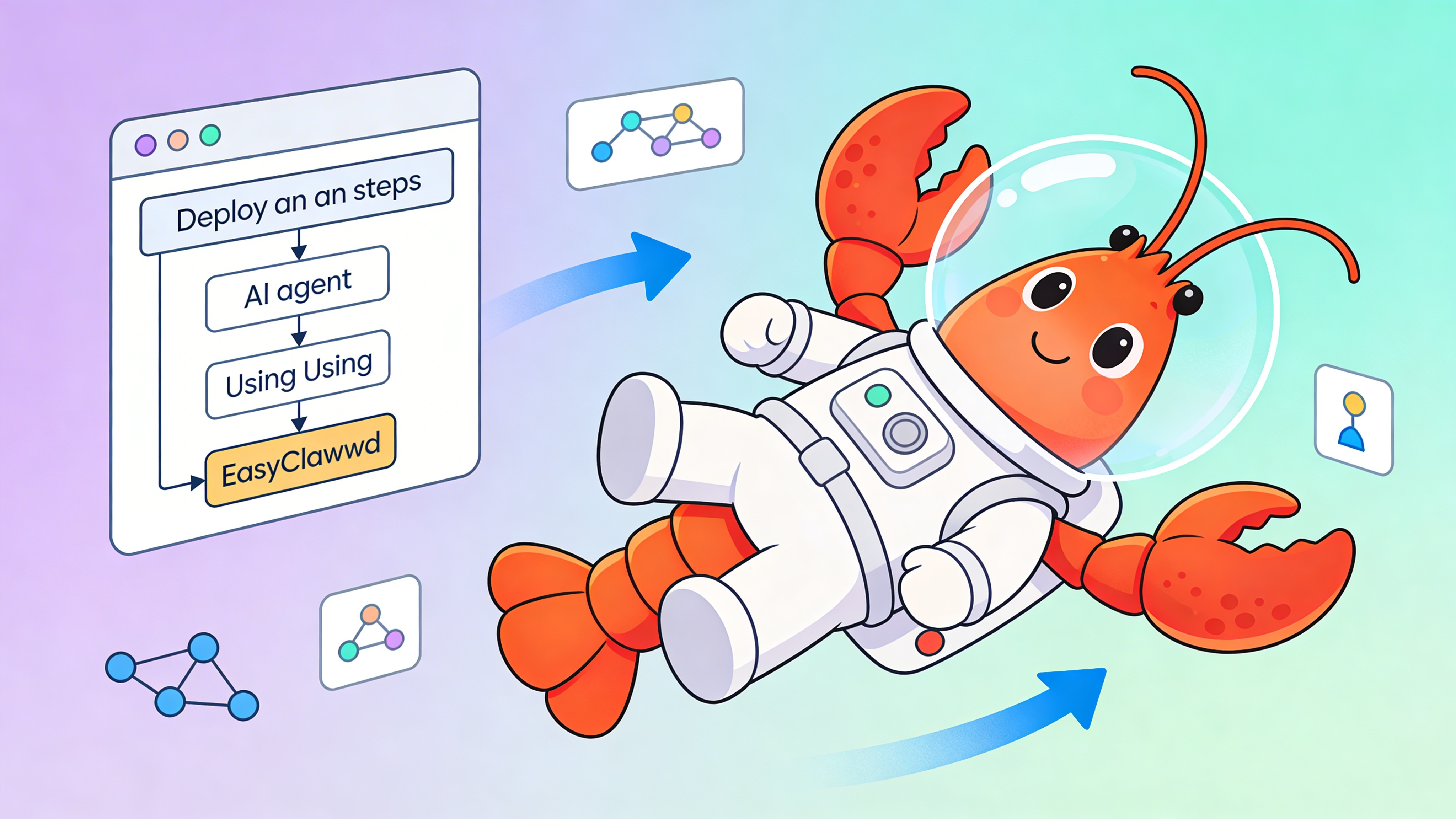
⚠️ Warning: Always use environment variables for sensitive information such as API tokens to prevent potential security breaches.
Best Practices and Considerations
- Use secure authentication methods to protect sensitive data.
- Regularly update your OpenClaw agent for new features and security patches.
- Monitor the performance and usage of your AI agent to address any issues.
- Plan for scalability to handle increases in traffic and data load.
See Also
- OpenClaw Documentation — https://github.com/openclaw/openclaw/docs
- EasyClawd Getting Started Guide — https://easyclawd.com/docs/getting-started
- AI Agent Deployment Best Practices — https://example.com/ai-agent-best-practices
Ready to deploy your OpenClaw AI assistant?
Skip the complexity. Get your AI agent running in minutes with EasyClawd.
Deploy Your AI Agent