Mastering OpenClaw Deployment: A Comprehensive Guide to Self-Hosting AI Assistants
A detailed tutorial for deploying OpenClaw on Ubuntu, covering installation, configuration, and best practices.
TL;DR
- Deploy OpenClaw on Ubuntu for full control over your AI assistant infrastructure.
- Linux administration skills and root SSH access are required.
- Optionally, use EasyClawd for a no-server-management hosting experience.
Introduction
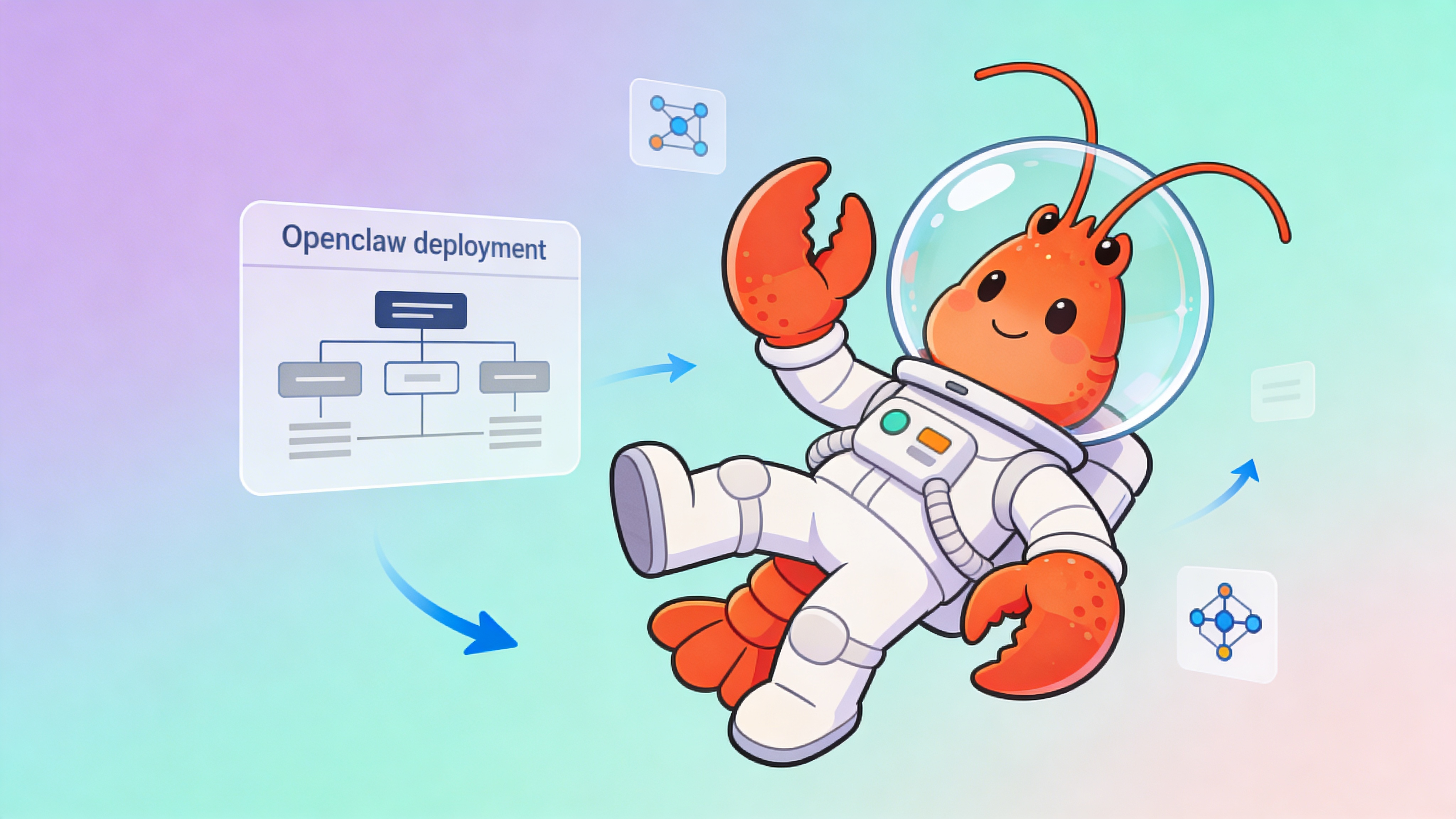
OpenClaw, also known as Clawdbot or Moltbot, is an open-source autonomous AI agent framework. It enables developers to create and deploy AI-powered bots.
| Feature | Ubuntu Deployment | EasyClawd Deployment | Notes |
|---|---|---|---|
| Infrastructure Management | ✅ | ❌ | User manages infrastructure on Ubuntu |
| Scalability | ✅ | ✅ | Manual scaling on Ubuntu, automated on EasyClawd |
| Server Provisioning | ✅ | ❌ | User provisions servers on Ubuntu |
| Security Updates | ✅ | ❌ | User responsible for updates on Ubuntu |
Prerequisites
Before starting the deployment, ensure you have the following:
- Ubuntu Server OS version 22.04 or higher.
- Root SSH access for installation and configuration.
- A Telegram Bot Token obtained from @BotFather on Telegram.
Setup
To set up OpenClaw on Ubuntu, follow these steps:
# Connect to your Ubuntu Server
ssh root@your-server-ip
# Replace your-server-ip with your VPS server's IP address.
Installation
Install Docker and Docker Compose to manage OpenClaw containers:
# Update the package index
sudo apt update
# Install Docker and Docker Compose
sudo apt install docker.io docker-compose -y
Configuration
# Example configuration file
bot_token: 'your_telegram_bot_token'
port: 18789
# Add other configurations as needed
⚠️ Warning: Ensure your server’s security by keeping software up-to-date and using strong, unique credentials.
Post-Deployment
Once your OpenClaw bot is running, interact with it through Telegram and customize its behavior.
- Open Telegram and message your OpenClaw bot.
- Start with /help to see available Clawdbot commands.
- Customize your bot’s functionality as required.
Managed Hosting Alternative
If server management is not your forte, consider using EasyClawd for a hassle-free deployment experience.
- EasyClawd handles provisioning, networking, and scaling.
- Access your dedicated OpenClaw container via a secure URL.
- Focus on building your agent logic without infrastructure worries.
See Also
- OpenClaw Documentation — https://openclaw.github.io/docs
- Comparing Channels for OpenClaw — https://easyclawd.com/blog/channel-comparison
- EasyClawd Managed Hosting — https://easyclawd.com
Ready to deploy your OpenClaw AI assistant?
Skip the complexity. Get your AI agent running in minutes with EasyClawd.
Deploy Your AI Agent