OpenClaw Deployment Patterns for LLM Agent Infrastructure
Compare deployment strategies for OpenClaw AI agents across managed, VPS, and cloud infrastructure with practical setup examples and cost analysis.
TL;DR
- Managed platforms eliminate infrastructure overhead for OpenClaw agents, ideal for teams focused on agent logic
- VPS deployments balance cost and control but require active monitoring of burst compute patterns
- Raw infrastructure demands deep DevOps expertise while offering maximum customization for complex workflows
- Agent workloads require persistent storage for vector memory and HTTPS endpoints for channel webhooks
- Security models vary dramatically: managed services handle token rotation, self-hosted requires manual vault integration
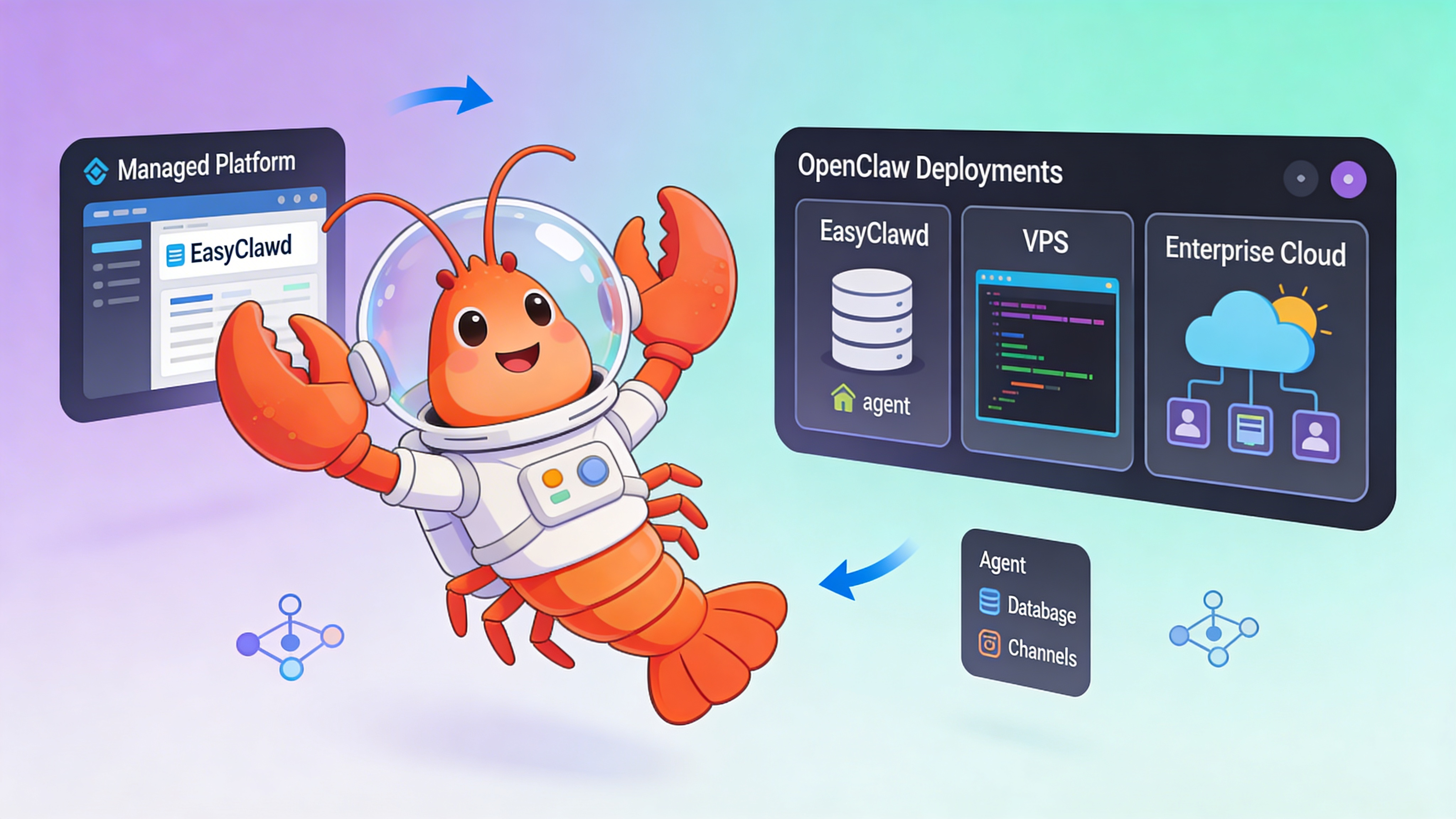
Deployment Pattern Comparison
Select infrastructure based on operational maturity, team expertise, and agent complexity.
| Pattern | Setup Time | Control Level | Monthly Cost | Best For |
|---|---|---|---|---|
| Fully Managed (EasyClawd) | ~5 minutes | Low | $39–99 | Teams building agent logic without DevOps |
| One-Click VPS Template | ~15 minutes | Medium | $20–80 | Developers comfortable with SSH and monitoring |
| Raw VPS Infrastructure | 60–90 minutes | High | $10–200 | Infrastructure experts needing custom tooling |
| Enterprise Cloud (AWS/GCP) | 2–4 hours | Maximum | $100+ | Global deployments with compliance requirements |
Infrastructure Requirements for AI Agent Workloads
OpenClaw agents exhibit unique workload characteristics that influence infrastructure decisions.
- Burst compute patterns during tool execution and reasoning loops demand 2-4x baseline RAM allocation
- Persistent vector storage (Qdrant/pgvector) requires stable disk I/O and backup strategies
- Public HTTPS endpoints mandatory for Telegram/Discord webhooks; Cloudflare Tunnel simplifies this
- State management across container restarts needs EFS-style storage or managed volumes
- GPU acceleration optional for embedding generation but rarely needed for inference at scale
Local Development Setup
Validate agent behavior locally before deploying to production infrastructure.
# Clone OpenClaw framework
git clone https://github.com/openclaw/openclaw.git
cd openclaw

# Create environment file
cp .env.example .env
# Edit TELEGRAM_BOT_TOKEN and OPENCLAW_GATEWAY_TOKEN in .env

# Start local stack with Docker Compose
docker-compose -f docker-compose.dev.yml up -d

# Wait for services to initialize
sleep 30

# Access Control UI and upload agent manifest
open http://localhost:18789

# View logs
docker logs -f openclaw-agent
Production Agent Configuration
Define tools, memory, and channel integrations in a declarative manifest.
# agent-manifest.production.yaml
agent:
  name: "research-assistant-v2"
  model: "claude-3-sonnet-20240229"
  max_tokens: 8192
  temperature: 0.3
  system_prompt: |
    You are a research assistant. Use tools to fetch current data.
    Always cite sources and explain reasoning steps.

memory:
  type: "hybrid"
  short_term:
    provider: "redis"
    ttl: 3600
    connection_string: "${REDIS_URL}"
  long_term:
    provider: "pgvector"
    connection_string: "${PGVECTOR_URL}"
    embedding_model: "text-embedding-3-small"
    collection: "agent_memories"
    dimension: 1536

tools:
  - name: "search_web"
    type: "serpapi"
    api_key: "${SERPAPI_KEY}"
    max_results: 5
    timeout: 10

  - name: "execute_python"
    type: "code_execution"
    language: "python"
    timeout: 30
    allowed_modules: ["numpy", "pandas", "matplotlib"]

  - name: "query_knowledge_base"
    type: "vector_search"
    provider: "pgvector"
    collection: "internal_docs"
    top_k: 3

channels:
  telegram:
    enabled: true
    token: "${TELEGRAM_BOT_TOKEN}"
    max_conversations: 50
    rate_limit_per_user: 10

  discord:
    enabled: false
    token: "${DISCORD_BOT_TOKEN}"
    intents: ["guilds", "messages"]

observability:
  telemetry:
    enabled: true
    endpoint: "${OTEL_ENDPOINT}"
    service_name: "openclaw-agent"
    sampling_rate: 1.0
  metrics:
    port: 9090
    path: "/metrics"

security:
  gateway_token: "${OPENCLAW_GATEWAY_TOKEN}"
  rate_limit: 100  # requests per minute per IP
  allowed_origins: ["https://easyclawd.com"]
  audit_log: true
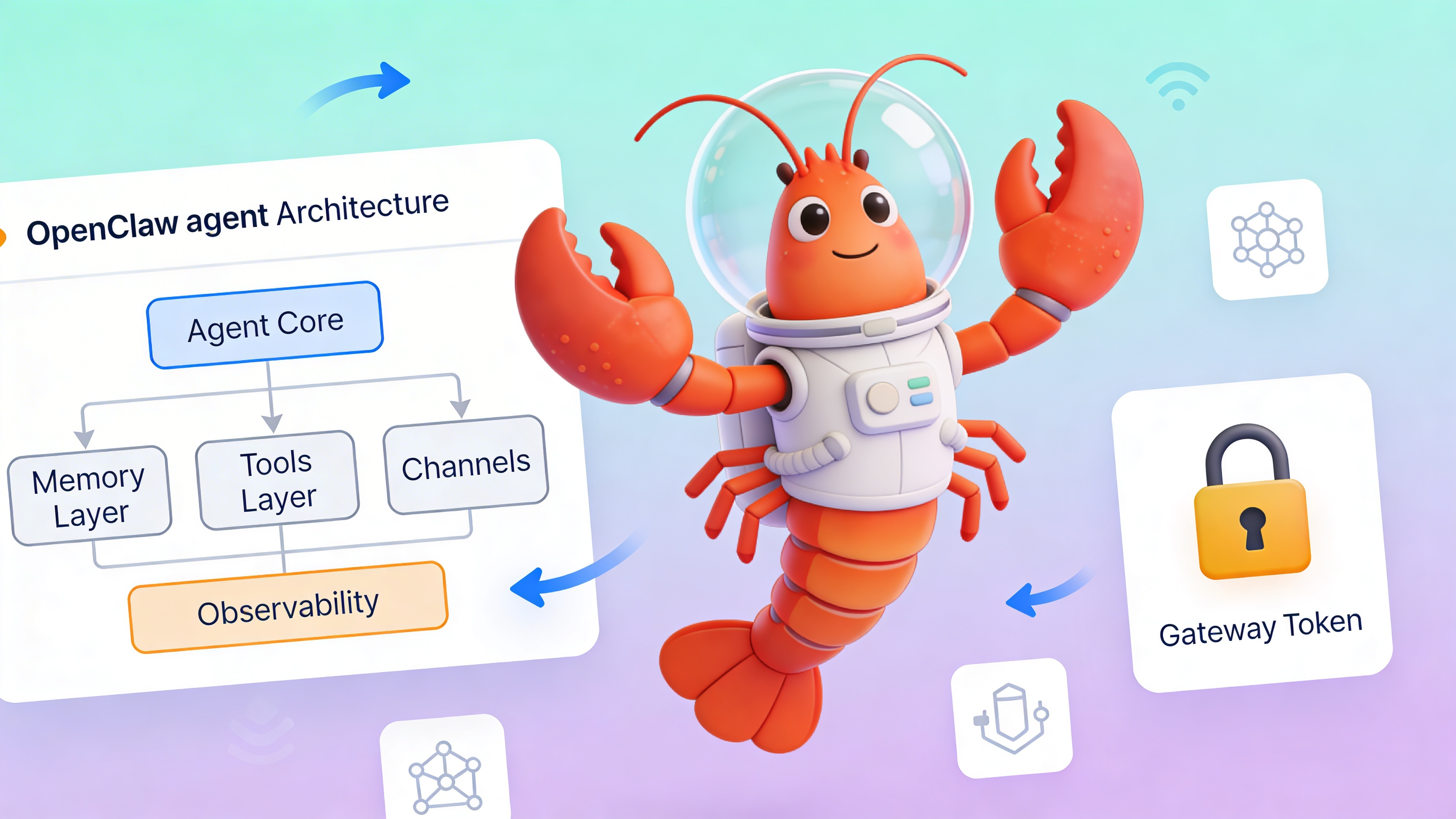
Scaling Strategies for High-Volume Agents
Plan for horizontal and vertical scaling across deployment patterns.
- Fully managed platforms auto-scale container resources based on message queue depth and memory utilization
- VPS deployments require manual upgrades or load balancer configuration with multiple droplets/instances
- Raw infrastructure lets you implement custom scaling logic using Kubernetes HPA or Docker Swarm
- Enterprise cloud offers the most sophisticated scaling via managed container services (ECS, GKE) but introduces vendor lock-in
⚠️ Warning: Exposing OPENCLAW_GATEWAY_TOKEN in Docker logs, environment variables, or version control grants full control of your agent. Always use Docker secrets or cloud key management. Managed platforms like EasyClawd rotate tokens automatically and inject them securely at runtime.
Cost Optimization Matrix
Understand cost drivers for each deployment pattern to avoid budget overruns.
| Cost Factor | Managed | VPS | Enterprise Cloud |
|---|---|---|---|
| Compute | Fixed monthly | Fixed monthly + overages | Per-second billing with sustained use discounts |
| Storage | Included | Volume-based | Multi-tier (standard, SSD, archival) |
| Networking | Included | Bandwidth fees apply | Complex: data transfer, load balancer, CDN |
| Operations | $0 | Engineer time ($50–150/hr) | Platform engineer + FinOps tooling |
Observability and Monitoring
Implement comprehensive monitoring from day one regardless of deployment choice.
- Track token usage per conversation and set budget alerts at 80% of monthly allocation
- Monitor vector store query latency (p99 should stay under 200ms for good UX)
- Log tool execution success rates and timeout patterns to identify flaky integrations
- Set up PagerDuty/Opsgenie alerts for workflow execution failures and container restart loops
See Also
- OpenClaw Memory Architecture Deep Dive — https://docs.openclaw.ai/concepts/memory
- Production Security Hardening Checklist — https://docs.openclaw.ai/operations/security
- Custom Tool Development Tutorial — https://docs.openclaw.ai/guides/custom-tools
Ready to deploy your OpenClaw AI assistant?
Skip the complexity. Get your AI agent running in minutes with EasyClawd.
Deploy Your AI Agent