Switching LLM Models in OpenClaw: Configuration Patterns & Best Practices
Learn how to switch LLM providers and models in OpenClaw agents using interactive wizards and programmatic config files for production deployments.
TL;DR
- OpenClaw supports dynamic LLM provider switching without agent redeployment
- Use `openclaw configure` wizard for interactive changes or edit `~/.openclaw/openclaw.json` directly for automation
- Authentication supports both API keys and OAuth tokens; key rotation requires config reload
- Model changes take effect immediately after wizard completion or gateway restart
- Validate changes by inspecting gateway logs and testing agent responses with `openclaw agent test --model`
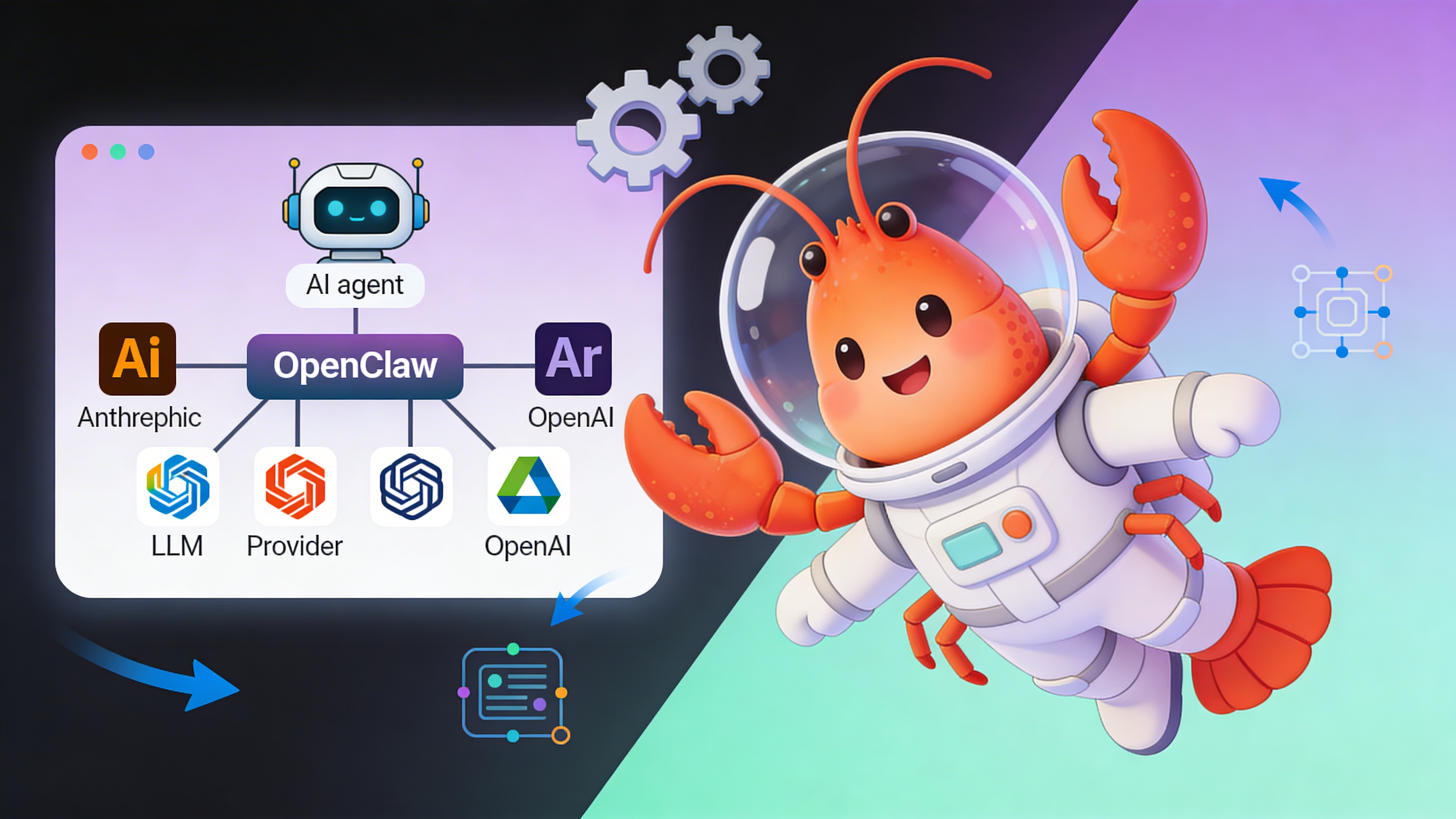
Model Provider Landscape for AI Agents
OpenClaw abstracts provider-specific APIs behind a unified interface, enabling rapid experimentation with different LLMs for agent reasoning, tool use, and memory management.
| Provider | Best For | Cost Tier | Tool Use | Latency | Auth Method |
|---|---|---|---|---|---|
| Anthropic Claude 3.5 | Complex reasoning & planning | $$$ | ✅ Native | <800ms | API Key / OAuth |
| OpenAI GPT-4 | General agent tasks | $$$ | ✅ Native | <600ms | API Key |
| OpenRouter | Multi-provider failover | $-$$$ | ✅ Proxy | <1200ms | API Key |
| Moonshot AI | Chinese language agents | $$ | ⚠️ Limited | <900ms | API Key |
| XAI Grok | Real-time knowledge | $$ | ❌ No | <700ms | API Key |
Configuration Methods Compared
Two primary approaches exist: interactive wizard for manual changes and direct config editing for infrastructure-as-code pipelines.
| Method | Use Case | Speed | Error Risk | CI/CD Friendly |
|---|---|---|---|---|
| Interactive Wizard | Development & testing | Medium | Low | ❌ No |
| JSON Config | Production automation | Fast | Medium | ✅ Yes |
| Environment Variables | Container deployments | Fast | Low | ✅ Yes |
Interactive Configuration Wizard
Launch the wizard from your OpenClaw environment terminal:
# Connect to your OpenClaw instance terminal
openclaw configure

# When prompted, select 'Model' section
# Choose provider: e.g., 'anthropic'
# Paste API key when requested
# Select default model from the displayed list
# Save and exit to apply changes immediately
Programmatic Configuration File
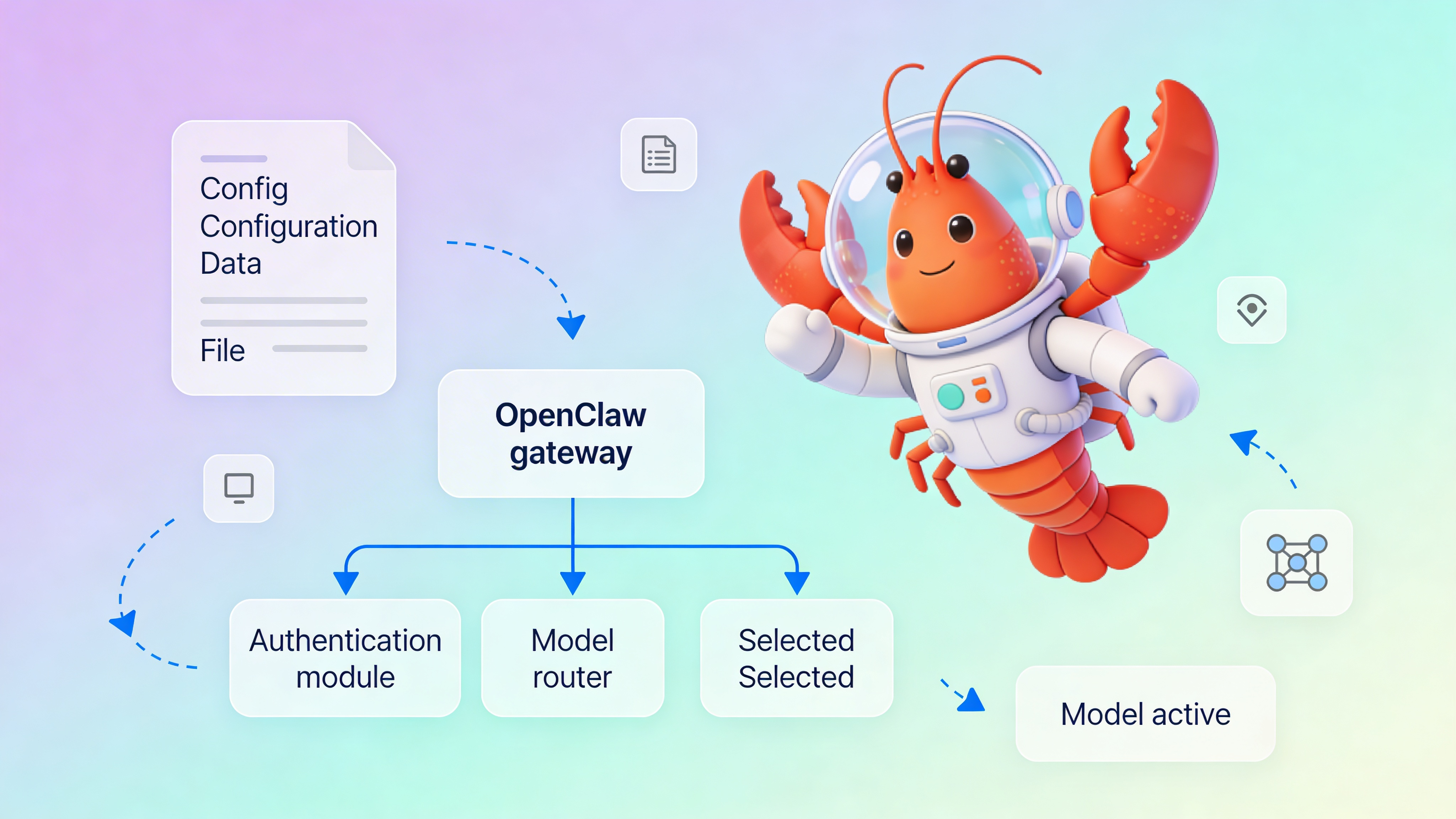
For automated deployments, edit the configuration directly. Note that model changes require a gateway reload.
{
  "gateway": {
    "mode": "local",
    "port": 18789,
    "token": "${OPENCLAW_GATEWAY_TOKEN}"
  },
  "model": {
    "provider": "anthropic",
    "default_model": "claude-3-5-sonnet-20241022",
    "auth": {
      "type": "api_key",
      "key_name": "anthropic_prod_key",
      "key_value": "${ANTHROPIC_API_KEY}"
    },
    "fallback_models": [
      "claude-3-haiku-20240307"
    ],
    "retry_on_failure": true,
    "max_retries": 3
  },
  "channels": {
    "telegram": {
      "enabled": true,
      "token": "${TELEGRAM_BOT_TOKEN}"
    }
  }
}
Authentication Security Patterns
- Store API keys in environment variables, never commit to version control
- Use short-lived OAuth tokens where supported (Anthropic, Google)
- Rotate keys quarterly; OpenClaw reloads config on SIGUSR1 signal
- Restrict API keys to specific IP ranges if provider supports it
⚠️ Warning: Hardcoding API keys in configuration files exposes credentials to any process with filesystem read access. In multi-tenant environments, use vault integration or encrypted secrets. OpenClaw logs mask key values, but debug mode can leak them. Never enable debug logging in production.
Validation and Testing Strategy
After model changes, verify functionality without disrupting active conversations.
- Run `openclaw gateway status` to confirm model provider is active
- Execute test prompt: `openclaw agent test --prompt ’What model are you?’ --expect-model claude-3-5`
- Monitor token usage metrics in OpenClaw Control UI under Diagnostics > Model Usage
- Check error rates: `tail -f /var/log/openclaw/gateway.log | grep ERROR`
See Also
- OpenClaw Gateway Configuration Reference — https://docs.openclaw.org/configuration/gateway
- Managing Multi-Model Agent Workflows — https://docs.openclaw.org/patterns/multi-model
- Production Deployment Checklist — https://easyclawd.com/docs/production-checklist
Ready to deploy your OpenClaw AI assistant?
Skip the complexity. Get your AI agent running in minutes with EasyClawd.
Deploy Your AI Agent